
USFans Spreadsheet · Guides
USFans Telegram: Distinguish a Product Contact From Account Support
Understand what a Telegram mention in USFans product details does and does not establish, and separate product questions from private order support.
When a USFans product description mentions Telegram, first identify whose contact it is and what question you need answered. A contact included with an item is not, by itself, evidence that the person can manage your USFans account, change a parcel or resolve a payment problem.
The USFans contact page checked on 30 September 2026 displayed Telegram and Discord entries alongside Live Chat and support email. Start from that contact page when looking for the platform's community entry, then check the destination it opens. A contact mentioned in a seller's product description serves a different role. For broader discussion advice, use the community guide.
On this page
Community entries checked on 1 October 2026
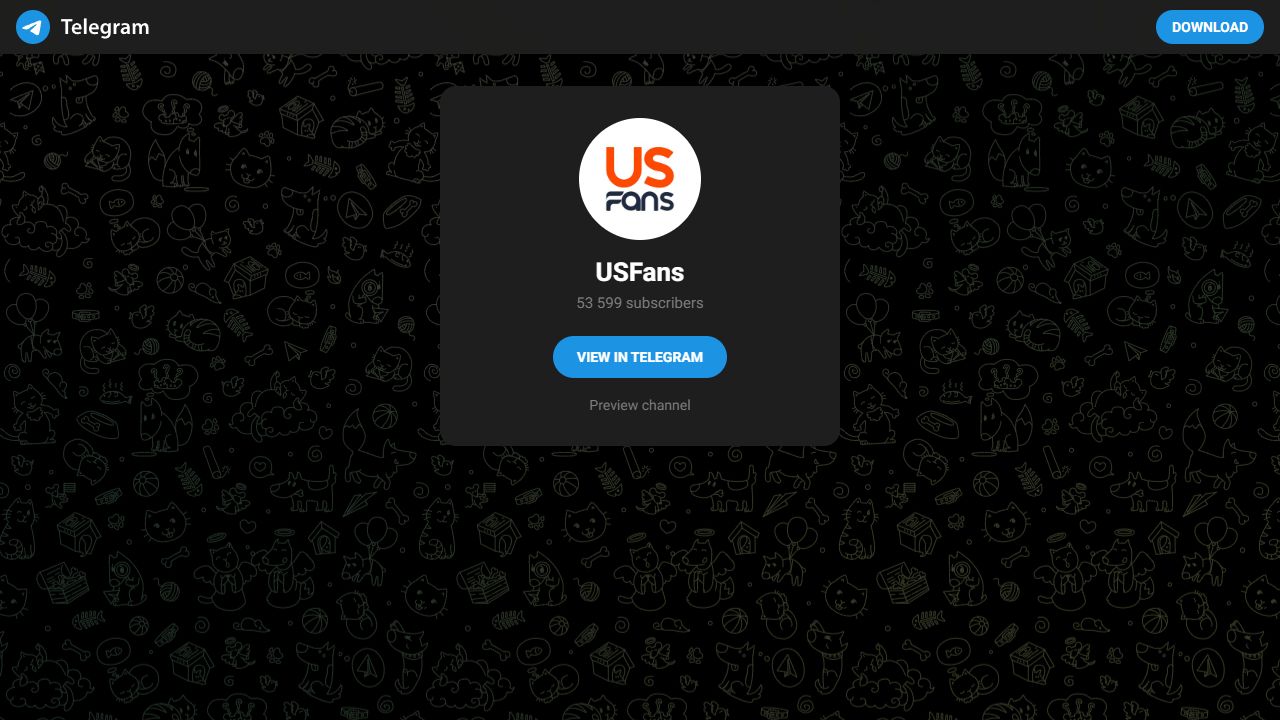
A read-only visit on 1 October 2026 followed the Telegram entry on USFans' Contact Us page to a USFans landing screen offering Preview channel. That is a community-content entry. Keep an account-change request in the appropriate private support process rather than posting the complete order beneath a product promotion.
Where the contact appears matters
A dated example from 24 September 2026 is the description for USFans product reference 7535009719: it included a Telegram contact alongside other promotional contact information. That placement establishes that the description contains a contact; it does not establish who operates it or authorise that contact to act on your account.
Do not treat a link found inside product copy as equivalent to a platform help entry. A forwarded message or familiar display name supplies even less context. Before relying on a message, establish how you reached its source and which role it claims to serve.
Match the question to the person who can answer it
Swipe sideways to compare all columns.
| Your question | Information needed | Why a public contact is not enough |
|---|---|---|
| What does this product option include? | The exact product and selected version | A general answer may describe a different option |
| Where is my payment? | The transaction associated with your account | A public product reference does not identify your payment |
| Has my parcel moved? | The matching shipment record | A group message is not your tracking history |
| Is this coupon applicable? | Current terms and the result for your transaction | A forwarded offer may concern another account or date |
For account-related questions, use the support process associated with your actual account. The support guide helps describe the issue without exposing unnecessary personal details. The tracking guide addresses an existing shipment.
Ask about a product without sharing your account
A useful product question names the candidate, option and uncertainty. For example: “Does this selected option include both pieces shown?” is more precise than asking whether the whole listing is good.
Keep passwords, verification codes, payment credentials and delivery labels out of a public discussion. Someone comparing a product does not need access to your account. If a conversation shifts from a product detail to a request for credentials or an unexpected payment, stop and re-establish the appropriate process before continuing.
You can examine the jacket reference on OG as a separate product candidate. It is not the item mentioned in the contact example above, and that contact has not been verified as a source of information about this jacket.
A shared image needs its original context
If a message shows a warehouse photo, establish which product and option it depicts before applying it to your choice. Even a matching product photograph describes the unit shown, not the condition of a future order. The QC guide helps turn a concern into a visible check.
For a shipping screenshot, keep the destination, date and parcel details with the amount. Removing those details can turn a specific example into a misleading general price. See shipping guidance before using someone else's parcel as a comparison.
Keep a forwarded offer separate from a confirmed benefit
A forwarded code or promotion is a starting reference, not proof that a reduction applies. Check its scope, validity and the amount shown for the intended transaction. The coupon guide separates an advertised benefit from an actual reduction.
Do not make a payment solely to test a stranger's claim. If an offer cannot be connected to understandable terms and the appropriate transaction, do not include it as a certain saving in your budget.
Common questions
Is every Telegram mention on a product page a platform support channel?
No such conclusion follows from its placement. Identify the source and role instead of assuming that product-description content establishes account authority.
Where should I look for the platform's Telegram entry?
Look in the platform's contact page, where a Telegram entry was visible on 30 September 2026. Check the actual invitation destination before joining; a product-description contact or forwarded invite is not the same source.
Where can I continue without using a group?
Use the USFans spreadsheet collection for product browsing, the buying guide for stages and the safety guide for account and destination checks.