
USFans Spreadsheet · Guides
USFans Delivery Time: Find Which Part of the Journey You Are Counting
Separate USFans purchase, warehouse and carrier stages, understand where a delivery estimate begins and prepare a precise enquiry when progress is unclear.
There is no single useful answer to “How long does USFans take?” without knowing where the order is now and which destination and route apply. Time spent buying an item, waiting for warehouse arrival and moving an international parcel are different parts of the journey.
Start with the latest recorded event, not with a delivery number quoted for another buyer. Then check which event starts the estimate you are comparing it with. This makes both planning and a support enquiry more precise.
On this page
The purchase date is not automatically the shipping start date
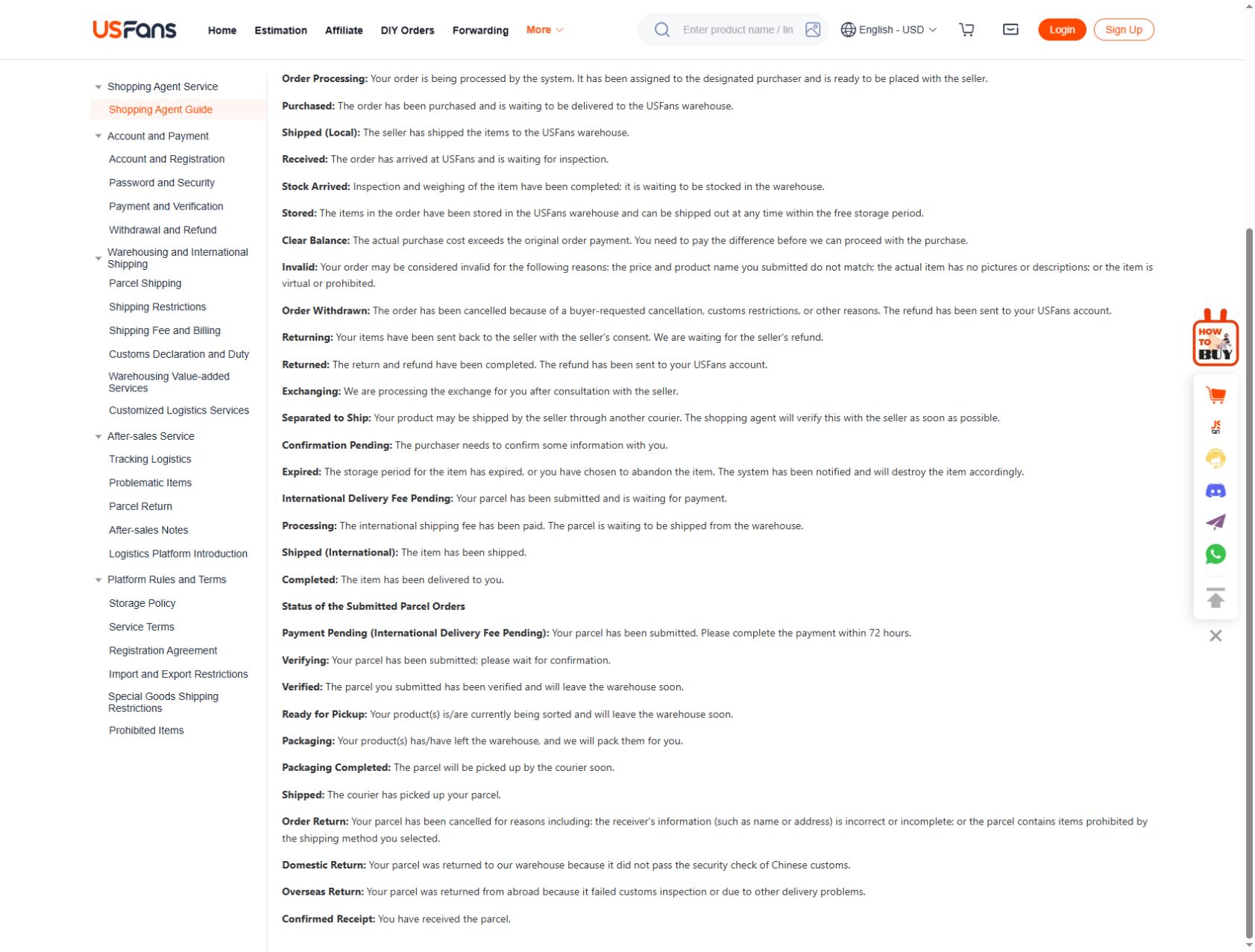
USFans' first-time shopping-agent instructions describe a goods-purchase stage followed by an international parcel stage after warehouse arrival. An item paid for today is therefore not necessarily already travelling internationally today.
If several purchases are intended for one parcel, inspect their individual progress. One item being at the warehouse does not establish that the rest are ready. Decide whether you want to wait for the outstanding purchase before asking for a parcel proposal; do not assume a combined shipment has already been created.
The ordering guide follows those records from product choice through parcel planning. The warehouse guide addresses questions that arise before international movement.
Use a timeline with named events
Keep the event and its date together in private notes:
| Event you can identify | Question it helps answer |
|---|---|
| Purchase payment or order confirmation | When did this transaction begin? |
| Seller dispatch information | Has the item begun its journey to the warehouse? |
| Warehouse arrival record | Is this particular item available for the next decision? |
| Parcel submission or payment | When did you request the international shipment? |
| Carrier acceptance event | Is there a recorded physical handover to the carrier? |
| Subsequent carrier events | What movement or action is actually reported? |
Not every account will display identical labels. Read the event description rather than replacing it with a more advanced stage in your notes. A reference number, for example, is not by itself evidence of physical collection.
Read the estimate's starting point
Before relying on a time window, check whether it begins at parcel submission, dispatch, carrier acceptance or another stated point. Also check whether it describes working days or calendar days. If the wording is unclear, ask before treating it as a deadline.
Consider a hypothetical sequence: an item is purchased on a Monday, reaches the warehouse later, and the parcel is submitted the following week. A route estimate beginning after dispatch cannot be counted from that first Monday without adding the earlier stages. This example describes the counting problem, not actual USFans processing times.
Compare options for the same destination and parcel. An estimate attached to a different route, season or buyer's account may provide context, but it cannot establish the arrival date for your order. The shipping guide and calculator guide help keep the proposal consistent.
If you need an item for an event
Treat a fixed event date as a separate requirement. A shorter quoted transport window may still leave seller handling, warehouse decisions and other stages outside that window. Ask which stages are included before concluding that a faster route solves the deadline.
For example, inspect the Argentina home jersey candidate on OG if you are considering a football-related purchase. Its listing identifies a product to investigate; it does not promise delivery for a match or celebration. If arriving after the event would make the purchase unsuitable, resolve the timing uncertainty before committing.
Do not use another buyer's successful delivery as a guarantee. The spreadsheet review explains why accounts need their dates and completed stages kept visible when comparing experiences.
When progress appears to stop
First locate the last actual event. If the item has not reached the warehouse, ask about the purchase record. If a parcel has been submitted but there is no carrier acceptance event, ask about the handover. If the carrier records an exception or requests action, read that message rather than interpreting every quiet interval as the same problem.
Use a concise private enquiry:
“My parcel reference is [reference]. The latest event shown is [event] at [date and time]. Please confirm the current stage and whether any action is required from me.”
Replace the brackets with your actual details only when sending the private message. Do not post the full record publicly. Keep your enquiry and response together so that a later follow-up refers to the same shipment. The support guide covers organising those details.
Repeated refreshing does not create a new event. Equally, a missing update does not prove that the parcel is lost. Base your next action on the current record and the applicable carrier or platform process rather than a universal wait period.
Frequently asked questions
Can a tracking number tell me the exact arrival date?
It identifies a shipment record. Read its events and any current delivery estimate; the number alone does not establish an arrival date. See the tracking guide.
Does buying several items mean they arrive together?
Do not assume so. Check the purchase records and the contents of the parcel actually submitted for shipping.
Should I choose the lowest quoted number of days?
Compare the same starting point, destination, included services and conditions. A shorter estimate is not a guaranteed deadline, and it does not resolve stages that precede that estimate.
Where can I restart my product search?
Return to the USFans spreadsheet collection for browsing, but keep any existing order enquiry separate from the new shortlist. Replacing a saved product does not automatically change an order already placed.